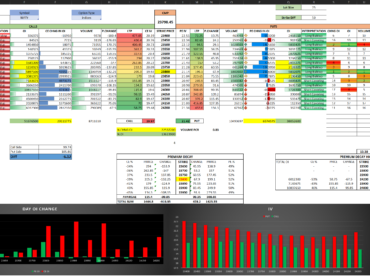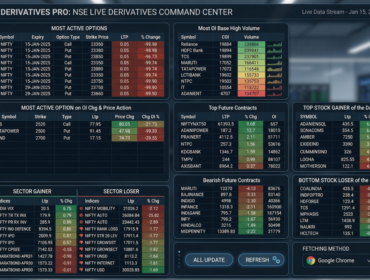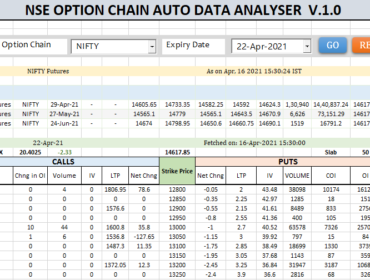

For any serious F&O (Options) trader, data is everything. While the NSE website provides live data, it doesn’t store historical intraday snapshots. To analyze trends like PCR (Put-Call Ratio) or Support/Resistance shifts, you need to record data every minute.
In this guide, I will show you how to use Python to automate the recording of NSE Option Chain data directly into an Excel sheet.
Download Excel Option Chain with Data recorder tool : https://t.me/intraday_trading_setup
The Logic Behind the Automation
The goal is simple:
- Fetch: Your Excel file is already connected to the NSE server (via Power Query or VBA).
- Read: Python identifies the latest data in your “Live” row.
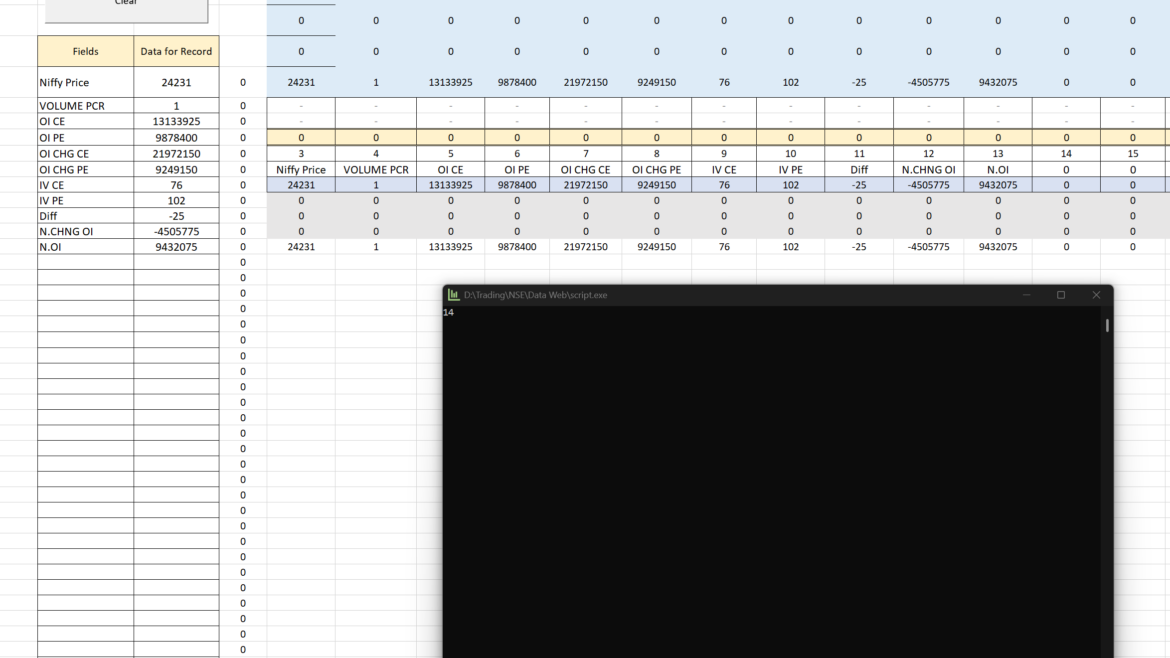
- Record: Every 60 seconds, Python finds the next empty row and saves a snapshot of that data.
Prerequisites
Before we dive into the code, ensure you have the following installed:
- Python 3.x
- Xlwings Library: Run
pip install xlwingsin your terminal. - Excel File: A file named
OptionChanin_Analysis_Live_from_NSE.xlsmwith a sheet named “Data”.
The Python Solution
Here is the optimized script. It uses a background timer to ensure the recording happens exactly every minute without crashing.
import gspread
import xlwings as xw
import pandas as pd
import threading
from threading import Thread


def DataSync():
    excel_name = xw.Book("OptionChanin_Analysis_Live_from_NSE.xlsm")
    Read_sheet = excel_name.sheets["Data"]


    rownum = 1
    frow = 0
    while (Read_sheet.range('E'+str(rownum)).value != None):
        value = Read_sheet.range('E'+str(rownum)).value
        rownum += 1
        frow += 1
    print(str(rownum))


    Read_sheet.range('E'+str(rownum)+':GE'+str(rownum)).value =  Read_sheet.range("E10:GE10").value  # Current row data

    Read_sheet.range('E1:GE4').value =  Read_sheet.range('E'+str(frow-2)+':GE'+str(rownum)).value   # 2nd Last Row data


def printit():
  threading.Timer(60*1, printit).start()
  DataSync()
  #print ("Hello, its Running.. !")

printit()
Key Benefits of This Script
1. Non-Blocking Execution
By using threading.Timer, the script runs in the background. You can continue using your computer or analyzing the Excel sheet while the data is being recorded.
2. Dynamic Row Detection
Instead of a slow while loop, this script uses the .end('up') method. This allows the script to instantly find the bottom of your data, making it much faster as your file grows to thousands of rows.
3. Error Resilience
The try...except block ensures that if you accidentally close the Excel file or if the system lags, the script won’t just crash; it will wait for the next cycle.