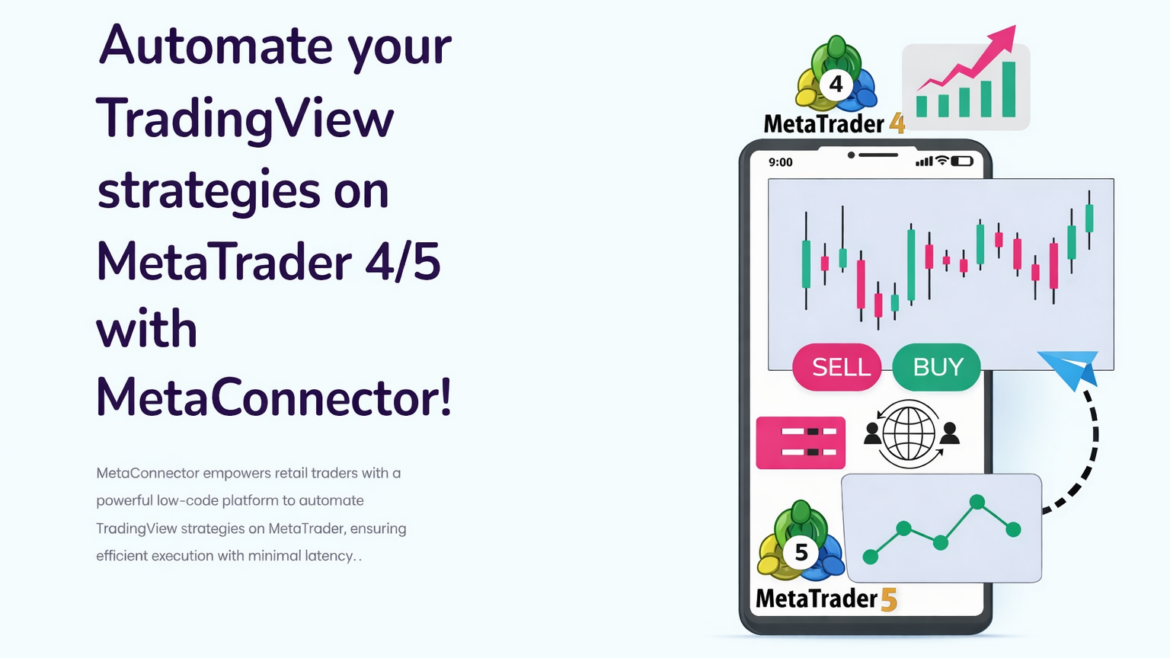

Are you tired of manually placing trades after getting signals on TradingView?
What if you could automatically execute TradingView alerts directly into MetaTrader (MT4 / MT5) — for FREE
Welcome to AppsPortal Free TradingView to MetaBridge, a powerful premium-grade tool that connects TradingView alerts → MetaTrader auto trading, now available 100% free for traders.
🔥 What is TradingView to MetaBridge?
TradingView to MetaBridge is an automated trading connector that allows you to:
- Send TradingView alerts
- Receive them instantly on your server
- Execute real trades on MT4 / MT5
- Without manual intervention
- Without coding knowledge
This is the same technology used by paid algo trading systems, now made free for the trading community.
✅ Why We’re Giving a Premium Tool for FREE
Most TradingView bridges charge:
- Monthly fees ❌
- Per-account charges ❌
- Hidden limitations ❌
At AppsPortal, our mission is simple:
Empower traders with professional automation tools — without barriers.
That’s why we decided to release our premium TradingView → MetaTrader bridge FREE, so every trader can experience real automation.
⚙️ Key Features of Free TradingView to MetaBridge
🔹 Instant Auto Trading
- Execute trades within milliseconds of alert trigger
- No lag, no repaint, no delay
🔹 Supports MT4 & MT5
- Works with any broker
- Forex, Crypto, Gold, Indices supported
🔹 No Coding Required
- Simple TradingView alert JSON
- Plug & play setup
🔹 Full Trade Control
- Buy / Sell
- Stop Loss & Take Profit
- Magic Number support
- Single or multiple strategies
🔹 Secure & Reliable
- API-based execution
- Server-side validation
- Safe for live accounts
📊 How TradingView to MetaTrader Automation Works
1️⃣ Create a strategy or indicator in TradingView
2️⃣ Set alert with JSON payload
3️⃣ Alert hits AppsPortal bridge
4️⃣ Trade executes automatically on MT4 / MT5
💥 No manual clicking
💥 No missed entries
🧠 Who Should Use This Tool?
This Free MetaBridge is perfect for:
- ✅ Intraday traders
- ✅ Algo traders
- ✅ Scalpers
- ✅ Option traders using signals
- ✅ TradingView strategy users
- ✅ Beginners who want automation
- ✅ Professionals testing systems
If you use TradingView, this tool is a must-have.
🆚 Free vs Paid TradingView Bridges
| Feature | AppsPortal Free MetaBridge | Paid Bridges |
|---|---|---|
| Cost | FREE ✅ | $ ❌ |
| MT4 / MT5 | ✅ Yes | ✅ Yes |
| Alert → Trade | ✅ Yes | ✅ Yes |
| Broker Lock | ❌ No | ⚠️ Sometimes |
| Custom JSON | ✅ Yes | ❌ Limited |
| Community Support | ✅ Yes | ❌ No |
🔐 Is It Safe to Use?
Yes.
The bridge:
- Does NOT store broker passwords
- Uses secure execution logic
- Works only on authorized alerts
- Gives full control to the trader
You decide when and how trades execute.
🚀 How to Get Started (FREE)
Getting started takes less than 5 minutes:
1️⃣ Visit appsportal.in
2️⃣ Get Free TradingView → MetaBridge access
3️⃣ Connect your MT4 / MT5
4️⃣ Paste TradingView alert JSON
5️⃣ Start auto trading 🎯
No payment. No trial tricks. No limits.
🏆 Why AppsPortal?
- ✔ Built by real traders
- ✔ Tested on live markets
- ✔ Designed for Indian & global traders
- ✔ Transparent & community-driven
- ✔ Constant updates & improvements
We don’t just build tools — we trade with them.
📌 Final Words
If you are serious about trading and automation, this is your chance to:
🔥 Trade faster
🔥 Trade smarter
🔥 Trade automatically
🔥 Trade for FREE
👉 Free TradingView to MetaTrader Bridge is live now on appsportal.in
Stop manual trading.
Start automated trading — the smart way.
💬 Need help?
We provide:
- Setup guides
- Sample TradingView alerts
- Strategy integration help
Just visit AppsPortal and get started.